

We visit the shop
Counter, tills, stockroom and network, in about 20 minutes and free in the south. Fixed quote with equipment, labour and IGIC.
 OK ComputerVirtual agent · online 24/7
Hello. On WhatsApp our virtual agent replies at any time; the team is available during office hours. Pick a topic or type your message.
What is it about?
WhatsApp (+34 922 71 73 90) opens with your message so you can check it and send it yourself. A virtual agent replies. Nothing is sent or stored by the website.
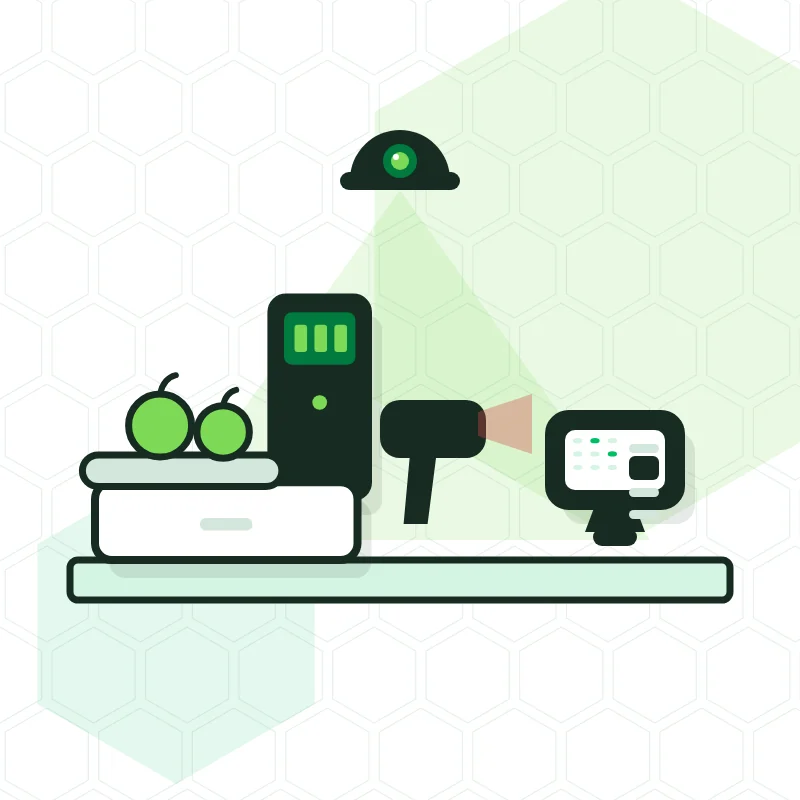
OK Computer installs the POS for shops and retailers all over Tenerife with Sysme, BDP or the retail version of Glop. A barcode scanner, scales that print the label, stock by item with an alert when something runs low, invoices with tax ID for businesses and a linked card terminal. We load your items before arriving, leave it working in half a day with VeriFactu (Spain's verifiable invoicing system) and IGIC (the Canary Islands sales tax) configured and, if you like, also fit the cameras above the till.




For a shop in Tenerife, OK Computer recommends Sysme when it is a single store, because it handles stock, scales and barcodes very well; BDP when there are several shops managed from a head office; and Glop in its retail version when the shop also has a café. All three comply with VeriFactu and are configured with the Canary Islands IGIC.
A shop's equipment depends on what it sells. A greengrocer needs labelling scales; a supermarket or hardware store, barcode scanners and stock control with supplier orders; a fashion shop, sizes, colours, gift receipts and returns. That's why the first conversation is about your counter, not about the software brand.
If you already have a list of items (a spreadsheet, your previous program or the supplier's delivery notes), OK Computer imports it at its shop in Armeñime (Adeje) before the installation, which takes half a day. New items are added afterwards by scanning their barcode at the till itself.
Four types of shop and what suits each one.
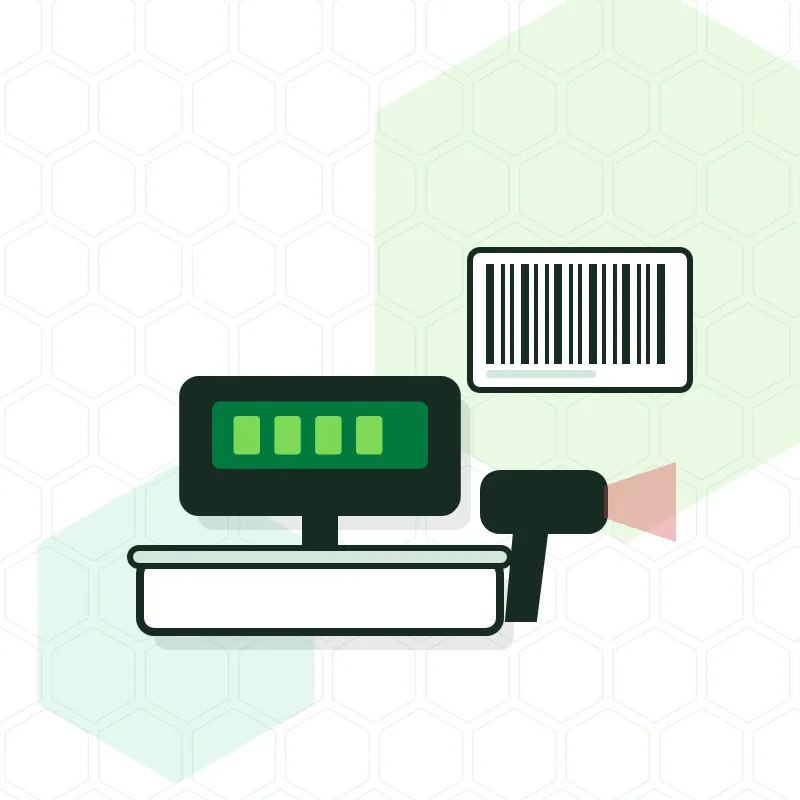
The scales work out the price, print the label with price and barcode, and the POS charges it. No more weighing mistakes or price-per-kilo slips.
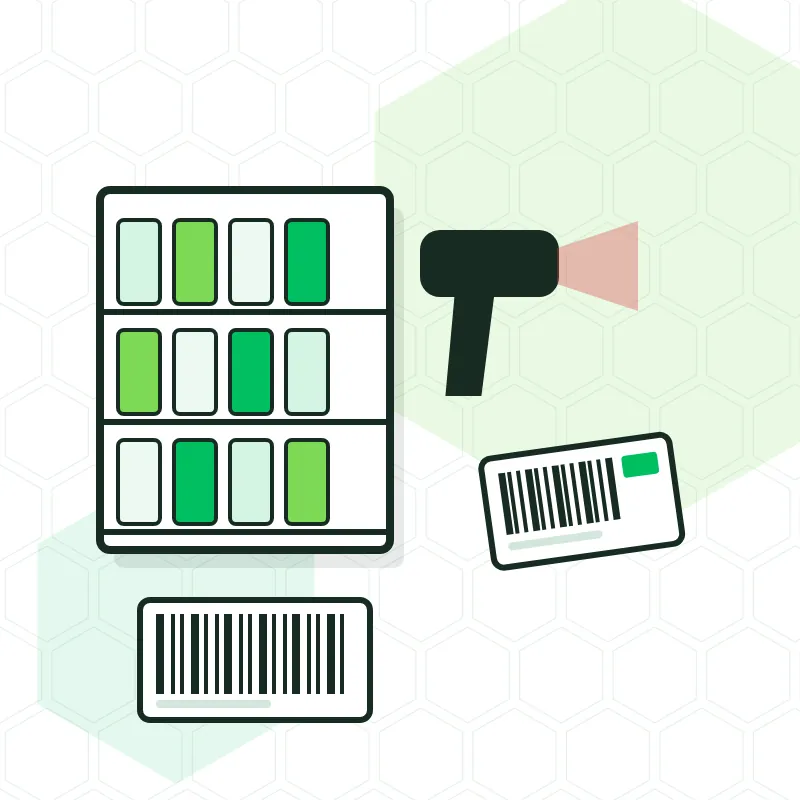
A barcode scanner at every till, stock by item and by stockroom, a supplier order when something drops below the minimum, and shelf labels.
Every garment with its sizes and colours, gift receipts, painless returns and loyalty with points or discounts. At the end of the month, an export for your accountant.
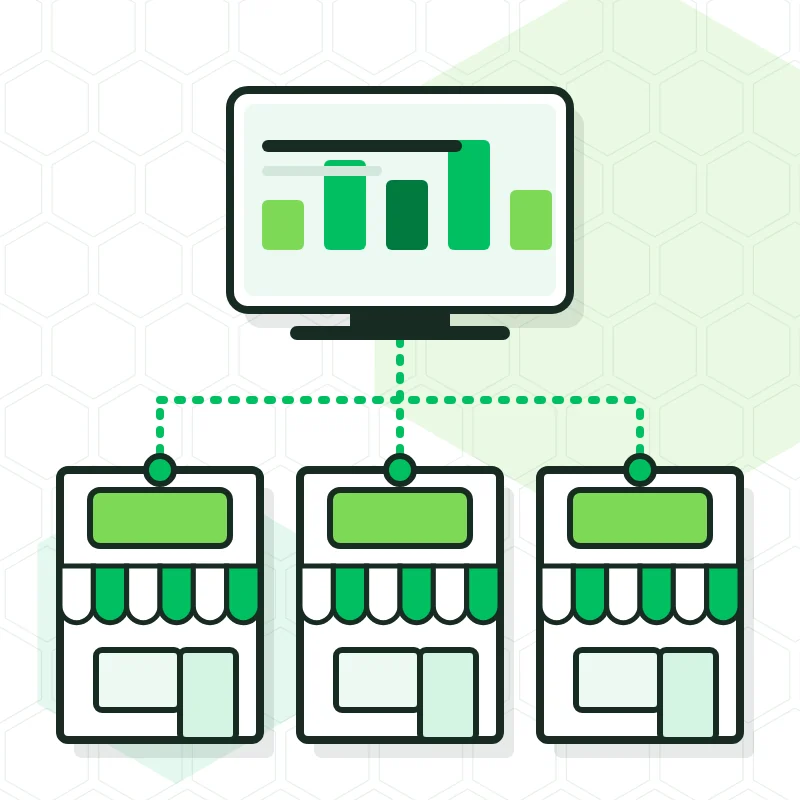
With BDP, items and prices are maintained from head office, each shop keeps its own stock, transfers are made between them and sales from all of them are seen live. Roll-out is done shop by shop.
Put together with what your counter needs, piece by piece or as a pack.
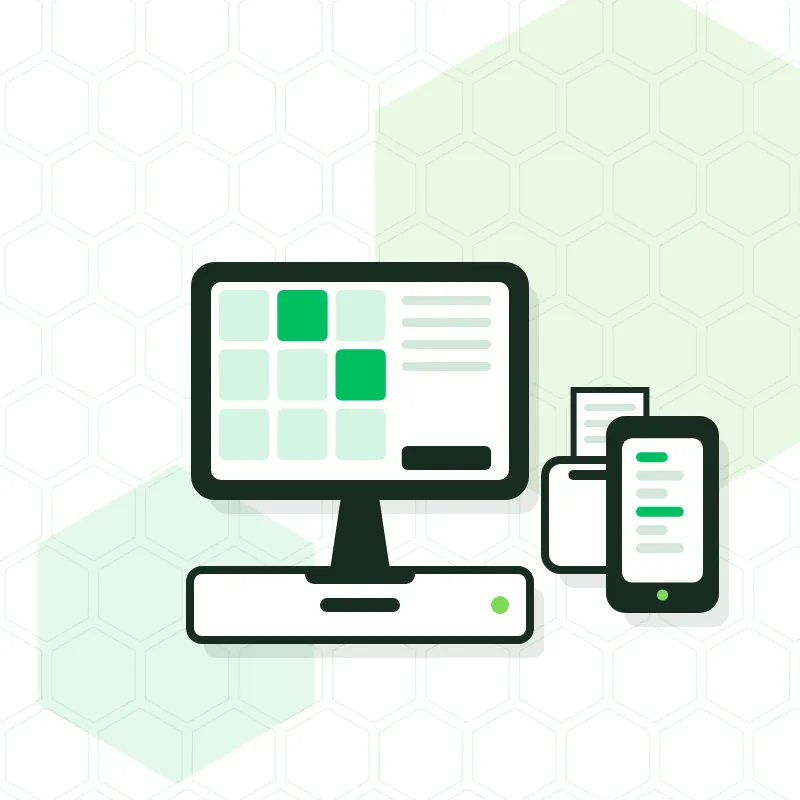
Screen with receipt printer and cash drawer, separately or as a pack.
1D and 2D scanners at every till, and new items added by scanning their code.
Weighs, labels and sends the price to the till.
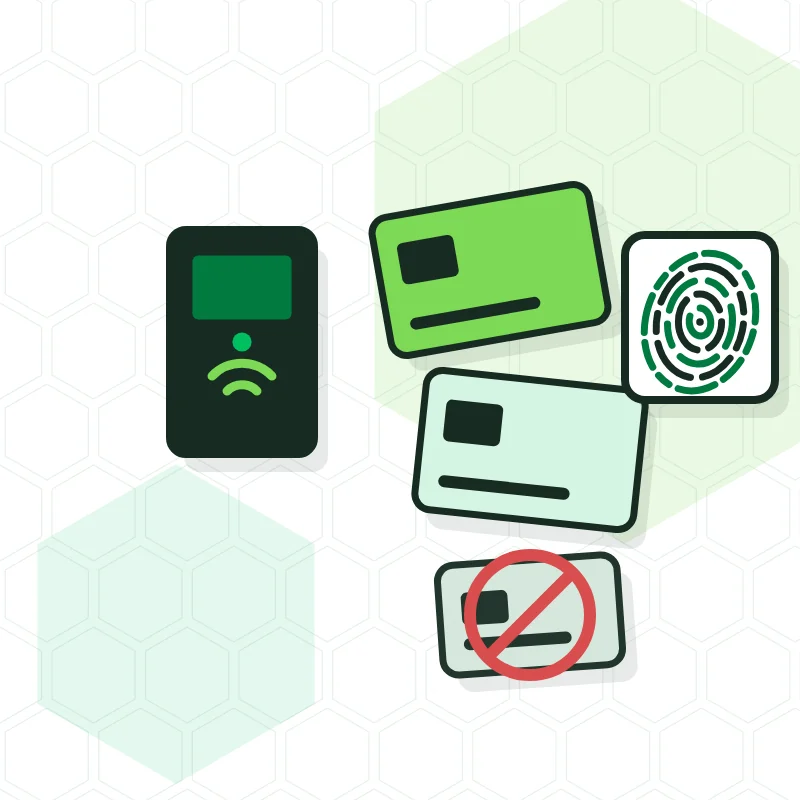
Glory or SMARTtill: the customer pays into the machine and the change comes out exact.
With Dojo or Paytef the amount reaches the terminal by itself; with several tills, each has its own.
A receipt for walk-in customers and a full invoice for businesses and autónomos, both recorded.
Remote support, visits and a replacement POS depending on the plan you choose.
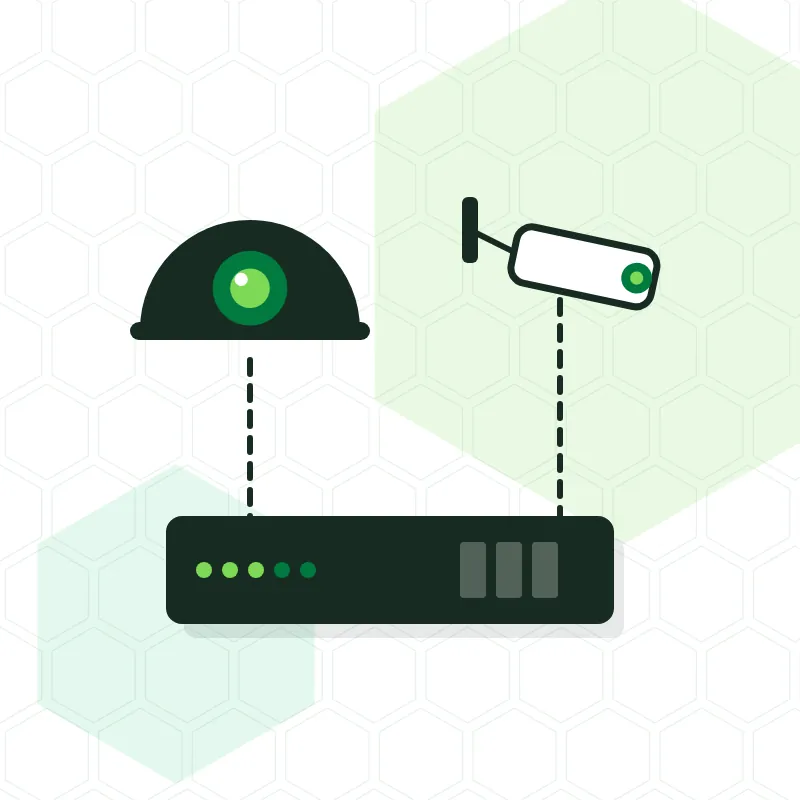
Yes. The same team that installs the POS fits the shop's CCTV, and if you order everything together it is done on the same visit. With a camera above the till you can check from your phone the recording of a specific payment when there's a doubt, without going to the shop.
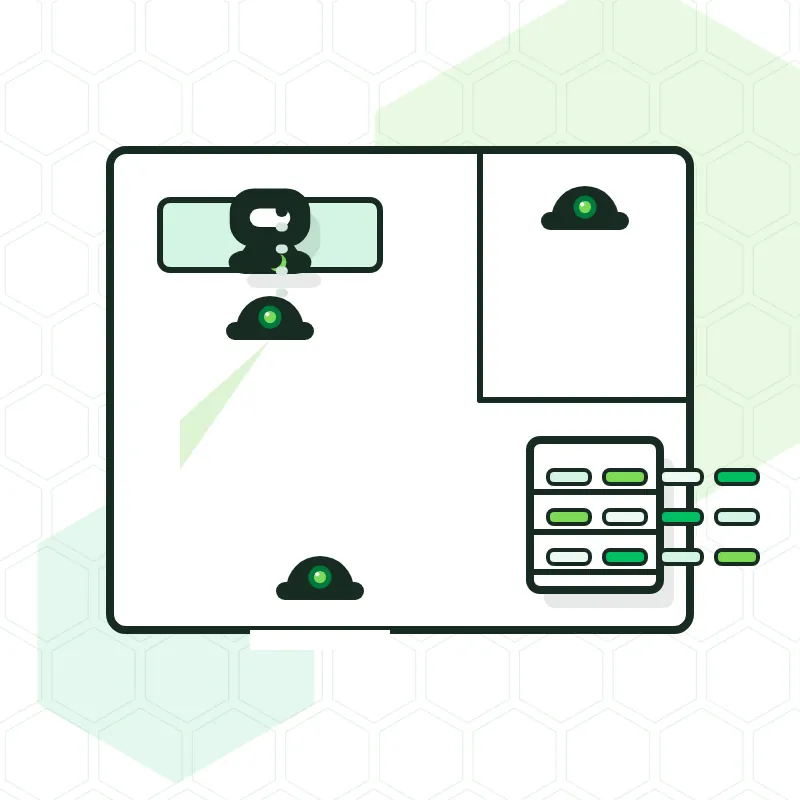
Items are imported beforehand and the installation is done outside your busiest hours.
Counter, tills, stockroom and network, in about 20 minutes and free in the south. Fixed quote with equipment, labour and IGIC.
From your spreadsheet, your previous program or the supplier's delivery notes, with prices and IGIC rates.
Tills, scanners, scales and card terminals working, test payments made and staff trained.
Five plans, from paying per call-out to Gold with weekend cover and replacement equipment.
Sysme for a single shop, for how it handles stock, scales and barcodes. BDP when several shops are managed from a head office. Glop in its retail version if your shop also has a café. We decide with you by looking at what you sell.
No. We import your list (spreadsheet, previous program or supplier delivery notes) before installing, and new items are added by scanning their barcode at the till.
Yes. A receipt for counter customers and a full invoice with tax ID for businesses and autónomos (the self-employed), both recorded with VeriFactu, and at the end of the month the export for your accountant.
Yes. Sysme, BDP and Glop have an adapted version and we configure it with each item's IGIC. On 5 October 2026 Hacienda announced that VeriFactu will be postponed to October 2028; until that change is published in the BOE (the official gazette), the rule in force keeps 1 January 2027 for companies and 1 July 2027 for autónomos.
Yes, with Dojo or Paytef: when you charge by card the amount appears on the terminal without typing it, and the cash-up separates card and cash. With several tills, each has its own terminal and payments don't get mixed up.
Yes. OK Computer builds online shops linked to the POS stock for retailers; you'll find it explained under Software and AI.
€10 in Adeje, €20 in Arona, San Miguel de Abona, Granadilla, Guía de Isora and Santiago del Teide, and €40 in the rest of the island, IGIC included. With Premium plans and above, the included visits carry no call-out fee.
Use the form below or message us on WhatsApp at 922 71 73 90: tell us what you sell, how many tills you have and whether you use scales. We'll give you a rough figure the same day and a fixed quote after the visit.
Every quote is personalised: for a shop, a home, a chain of venues or a large project. We come and take a look, propose only what you need and put it in writing, with no obligation. If you prefer, drop by our shop in Adeje.
Personalised, no-obligation quote. We reply within 24 business hours.
Hi! I'm Oki, OK Computer's bot.
Ask me about alarms, cameras, POS systems, VeriFactu, access control, smart home or IT: I answer with what this website says.
Automatic answers taken from this website. What you type is not sent or stored.